ODental.Plans.
Early access · errors may occur; we fix them fastVisual dental treatment planning software
Make your plan clear. Choose a tooth, add the treatment and explain the plan through visuals, phases and costs.
Treatment plans
From €69 per month
VAT included for 1–2 active clinicians
3D treatment visualisation
The whole treatment. In 3D.
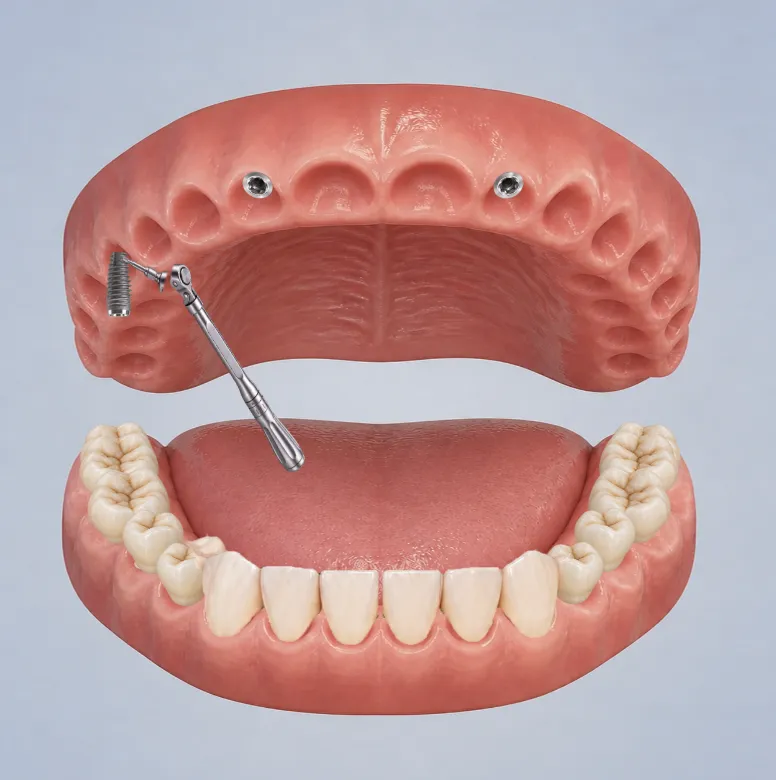
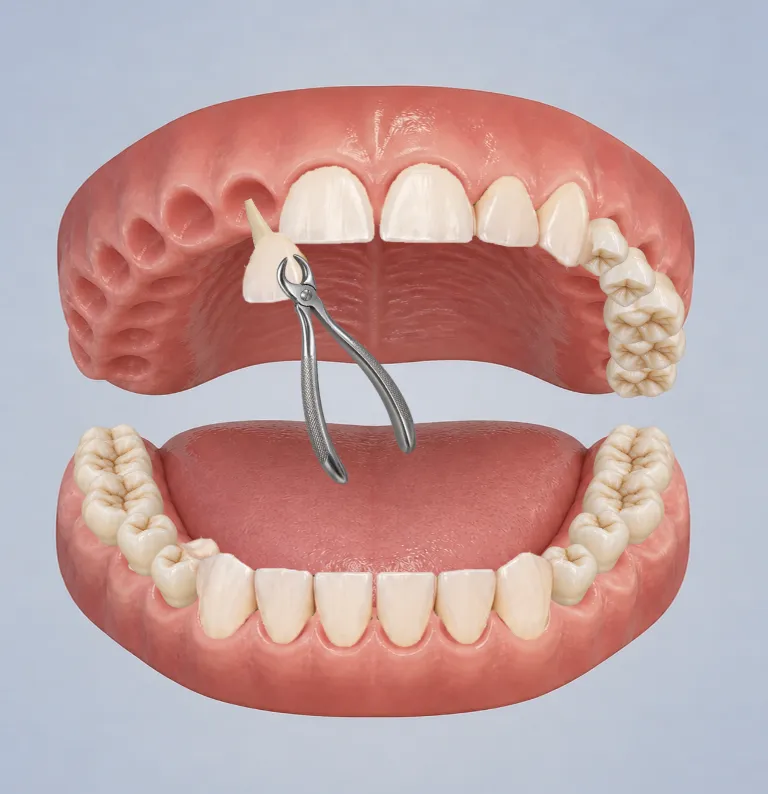
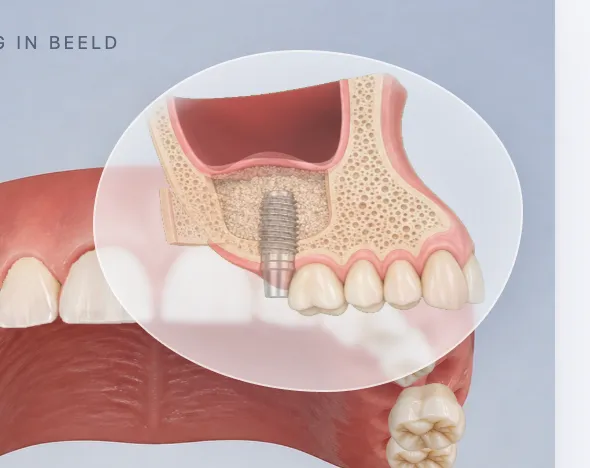
Show what comes next. From an extraction or implant to root canal treatment, a sinus lift or a prosthesis: explain each step with 3D illustrations in oDental. Plans.
- Extractions and implants
- Open and closed sinus lifts
- Endodontics
- Dental prostheses
Made for your working day
Visual treatment plans
Your patient needs more than a list of codes.
Codes and costs alone do not explain what you have planned. Bring treatments, phases and prices into one visual plan, so you and the patient can follow the same picture.
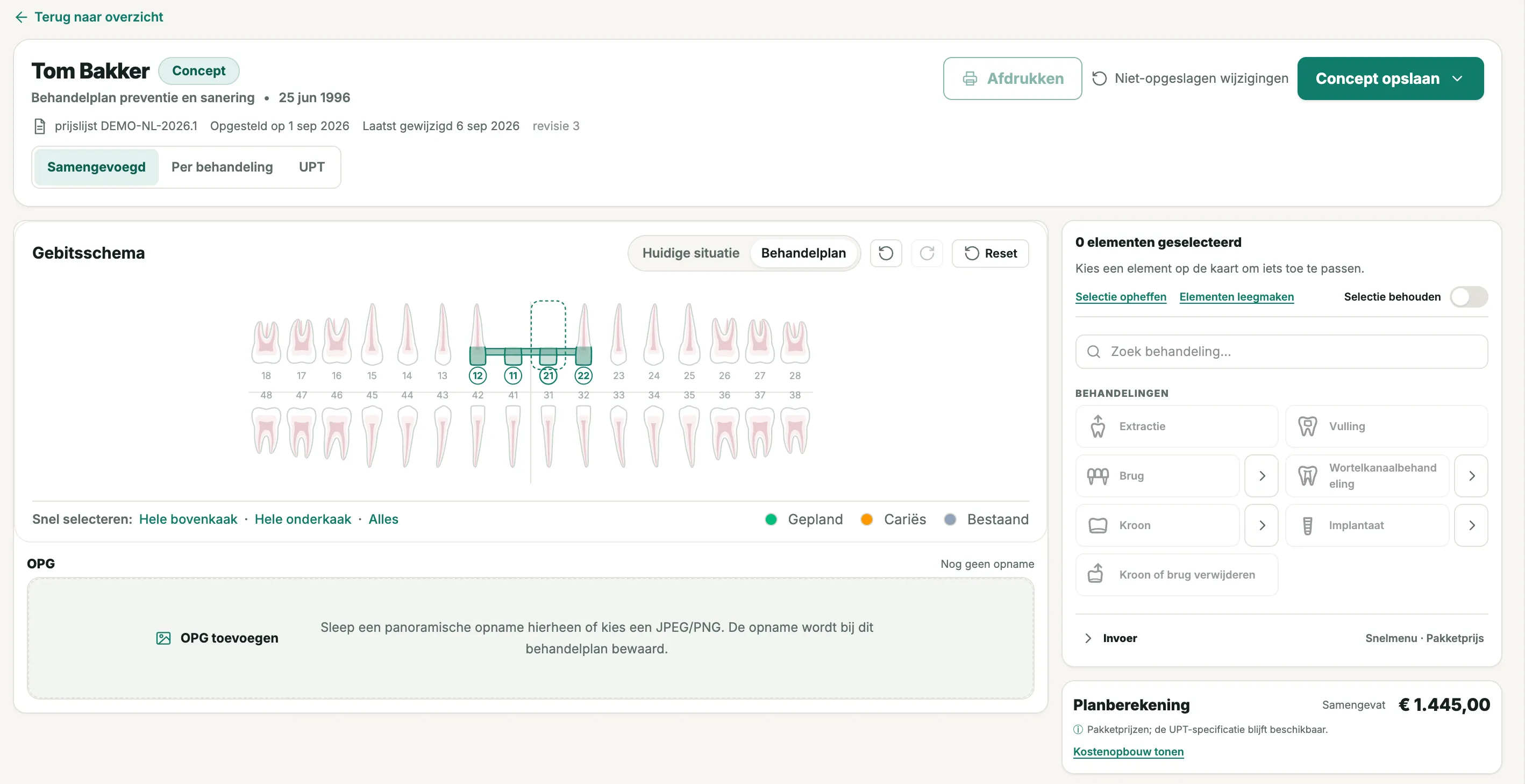
From clinical choice to clear plan
- Record the treatment you chooseSelect one or more teeth, choose the treatment and add it to the plan. The editor records your choices; it does not suggest treatments.
- Keep the X-ray in viewView the image beside the tooth chart and manually mark the teeth you want to plan for. The software does not detect or interpret anything on the image.
- Plan in your browserOpen the plan on an authorised device, at home or chairside. An extra device does not require a separate workstation licence.
- Show the present and proposed treatmentUse the FDI tooth chart to discuss the recorded condition alongside the treatment you propose.
- Pricing that fits your practiceWork with UPT tariffs and lab costs, or treatment prices where local rules allow. Code lists for other countries can be configured on request.
- Keep the plan and costs togetherAdd treatments and follow the total within the same plan. There is no need to copy amounts between Word, a price list and a calculator.
- Collaborate with clear permissionsA coordinator can prepare, discuss and print the plan within their assigned permissions. Clinical changes require renewed clinician approval.
- A clear sequenceGroup treatments into phases and keep the conversation easy to follow. You decide which step comes when.
- A clear PDF to take homePresent treatments, phases and costs in a document patients can read at home. The underlying codes remain available where they are needed.
Explore the details
From dental chart to treatment plan
Common questions
Digital treatment plans in your practice
What is digital dental treatment planning software?
Digital treatment planning software brings the treatments chosen by the clinician, phases and costs into one visual overview for discussion with the patient.
How does the dental chart work in ODental?
You select the teeth and add the chosen treatment from the treatment menu. ODental records your choices and does not make clinical treatment decisions.
Can I include phases and costs in a treatment plan?
Yes. You can organise treatments into phases and review the associated amounts in the same plan.
Can the patient receive the treatment plan as a PDF?
Yes. You can create a clear PDF that presents the proposed treatments, phases and amounts for the patient to review.
Behind the software
The maker of ODental.
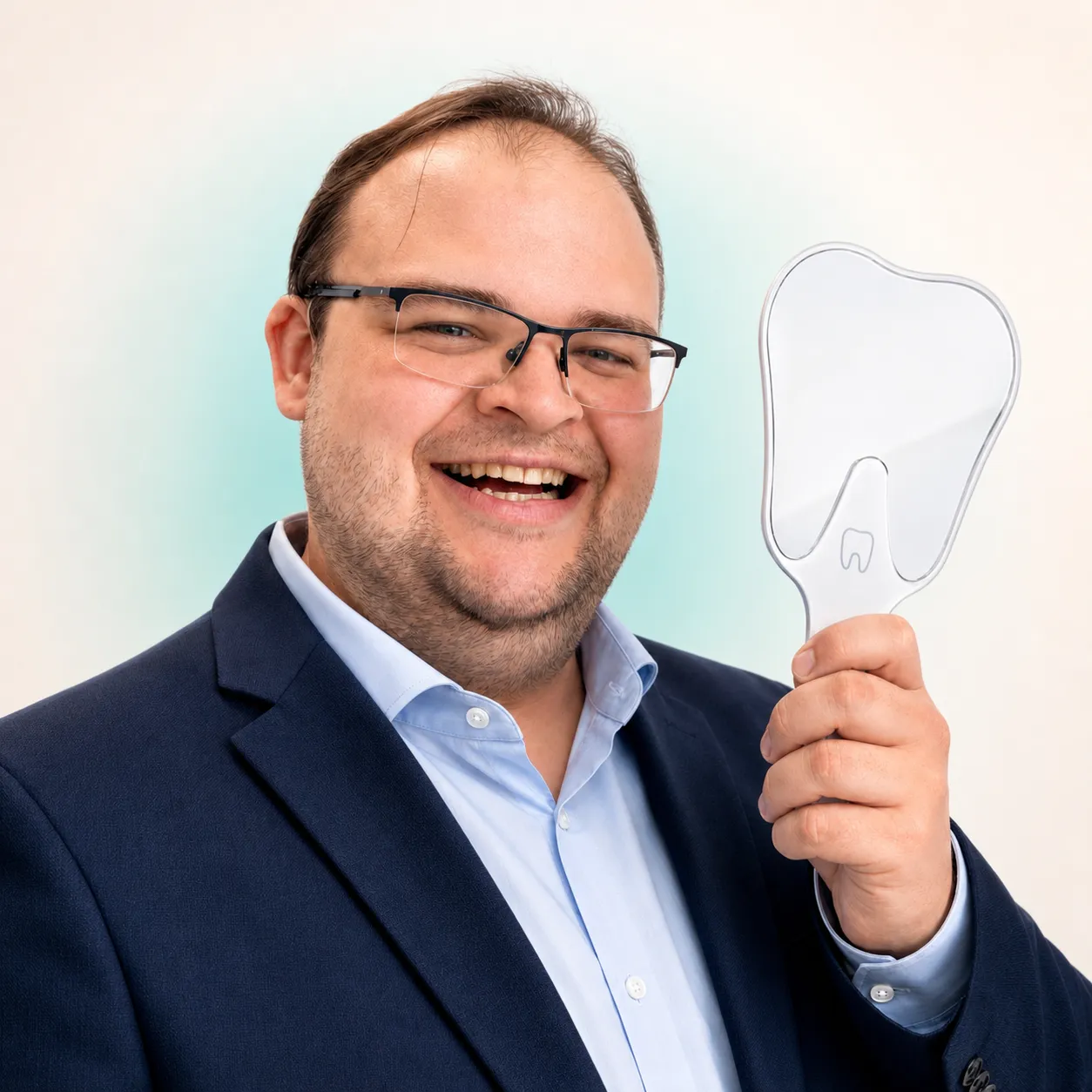
From the first conversation through setup and support, you work directly with Daniel, the person building ODental.
Meet Daniel- 16
- years of IT experience
- 7
- years inside dental practices
Registered in the NetherlandsKvK 98242482
Help shape a better working day.
ODental is available through early access. Everyday use may still reveal errors; report them directly and we will resolve them as quickly as possible. You can apply to test the system in your own practice free for 14 days before deciding. We are now inviting a limited number of practices to try ODental and share feedback.
Direct contact
Talk to Daniel.
Have a question about ODental or how it fits your practice? Call, email or message Daniel directly.
Your ODental
1 / 4- 01Team
- 02Modules
- 03Price
- 04Contact
Your demo request is in.
Daniel will contact you to discuss your selection and the demo.