The dental chart at a glance
View the dental chart and switch between the current condition, planned and performed treatment. Select the tooth you want to record information for.
ODental.Dossier.
Early access · errors may occur; we fix them fastYour patient. In view. Capture details quickly, retype less and keep the dental chart in view on desktop, tablet and phone.
From €69 per monthVAT included · 1–2 active clinicians
Made for your working day
View the dental chart and switch between the current condition, planned and performed treatment. Select the tooth you want to record information for.
Select a tooth, search for a code or open a category. Add an entry from the same workspace.
Use text and protocol templates associated with codes. Insert the recurring text quickly and adapt the content for this patient.
Enter an implant’s brand and dimensions through a clear selection menu.
Use familiar menus and reusable texts. Your team spends less time entering the same information again.
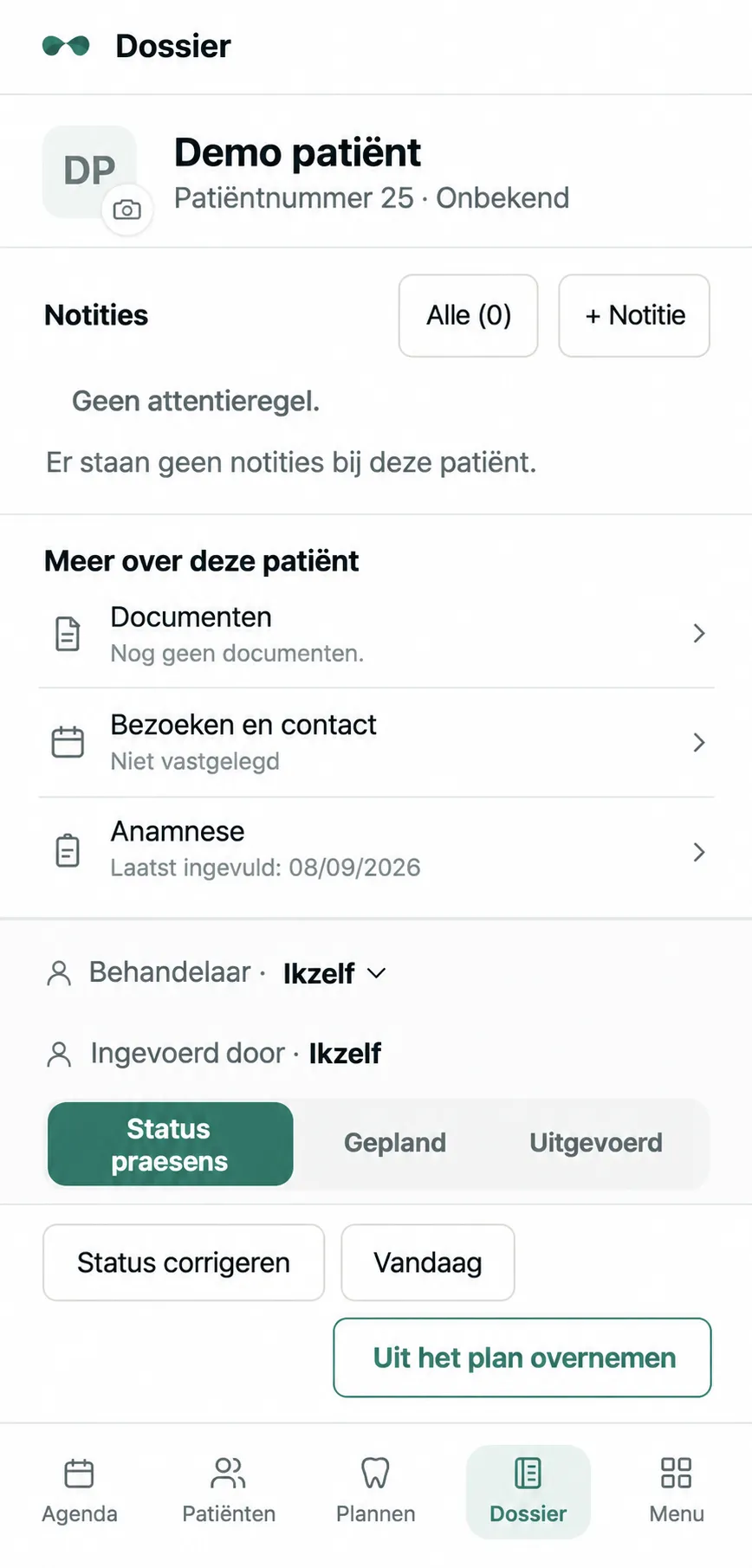
Reach notes, documents, visits and health forms from the patient record. Keep the relevant information together.
Desktop. Tablet. Phone.
Open Dossier in your browser on the screen that suits the task. A spacious overview on desktop, convenient access on your tablet and phone.
Start with the patient and review what has been recorded.
Select a tooth or code and use the relevant text or protocol template.
Adapt the text and add implant brand and dimensions where needed. Your team decides what to record.
Common questions
Yes. Dossier is accessible through a browser on desktop, tablet and phone. The view adapts to the available screen space.
You can use text and protocol templates associated with codes. Insert recurring text quickly, then adapt it for the patient.
Use a selection menu to enter the implant’s brand and dimensions. You decide which details to record.
The “Copy from plan” action lets you bring information from a treatment plan into Dossier. The current condition, planned and performed treatment remain available as separate views.
Early access · errors may occur; we fix them fast — You may still encounter errors in everyday use. Report them directly and we will resolve them as quickly as possible. Apply to test ODental in your practice free for 14 days before you decide. Dossier then starts at €69 per month. We are now inviting a limited number of practices.
Your ODental
1 / 4Daniel will contact you to discuss your selection and the demo.
Direct contact
Have a question about ODental or how it fits your practice? Call, email or message Daniel directly.
Multilingual by design
Work in a language that feels familiar.
Built in the Netherlands. Adaptable for practices across Europe and beyond. Before use in another country, we agree the necessary changes to language, tariffs, privacy requirements and workflows.
Other languages on request.